us:
English: Americas
us:
English: Americas
















Data security and governance in the age of AI
Get ahead of the risks from sanctioned and unsanctioned use.
Read the guide
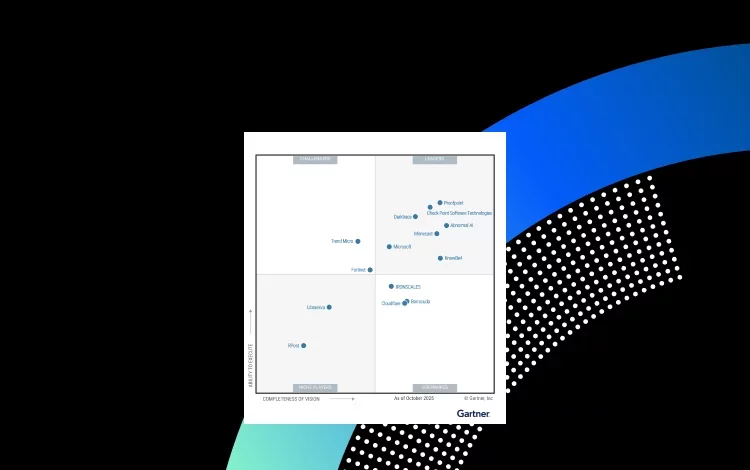
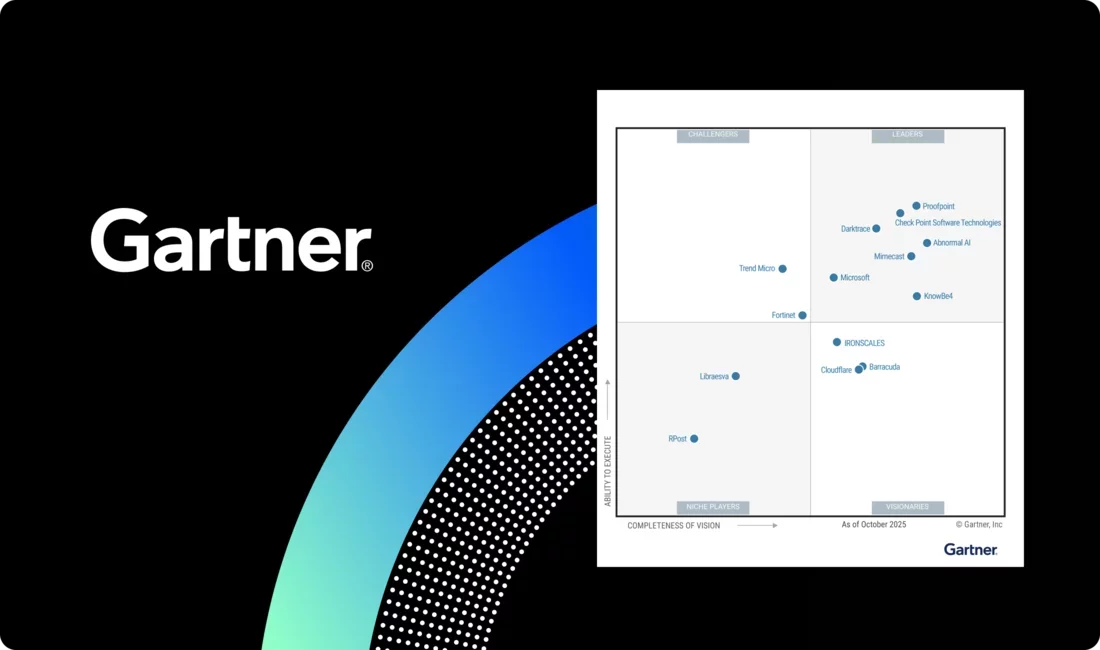
Proofpoint named a Leader for the second year in a row
Recognized for our Completeness of Vision and Ability to Execute in the 2025 Gartner® Magic Quadrant™ for Email Security.
Read the reportWe are Proofpoint
Stop threats at every layer–people, data, and AI–with intent–based protection
Stopping
BEC attacks per year
Protecting
customers
Of the F100
use Proofpoint to stop attacks and defend their data
Numbers only ever tell part of the story.
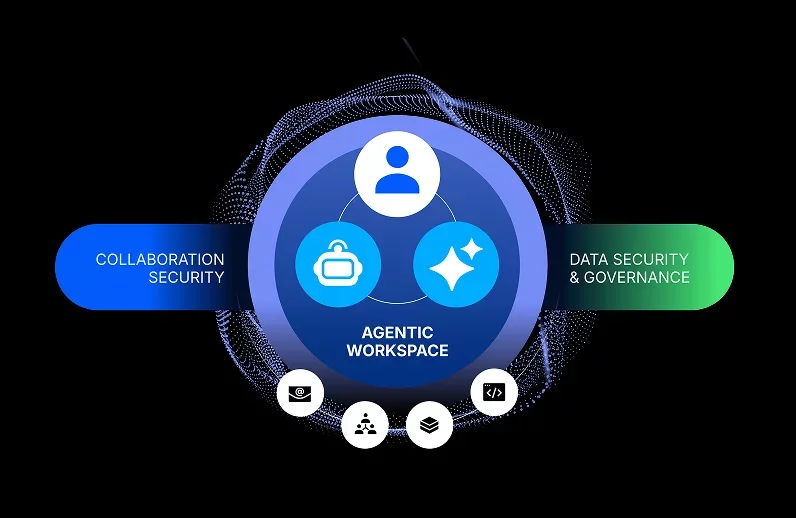
See customer storiesHuman- and AI-centric security for the agentic workspace
Proofpoint unifies collaboration, data, and AI security so you can move faster without increasing risk.
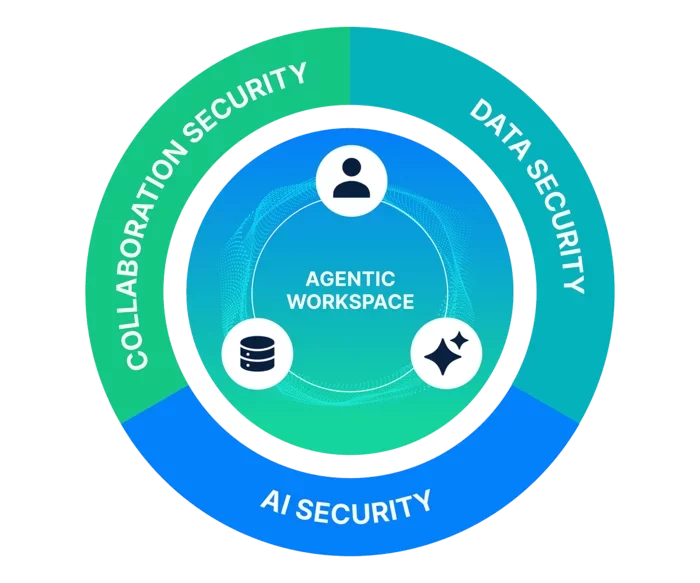
Collaboration Security
Safeguard people and AI agents against targeted threats across email, messaging, social media, cloud apps, and file-sharing services.
Data Security & Governance
Protect sensitive data and communications from loss and misuse with continuous visibility and control over storage, access, and usage.
AI Security
Control how LLMs and AI agents access and share data to prevent leaks, stop prompt-based attacks, and enable safe AI adoption.
THE PROOF
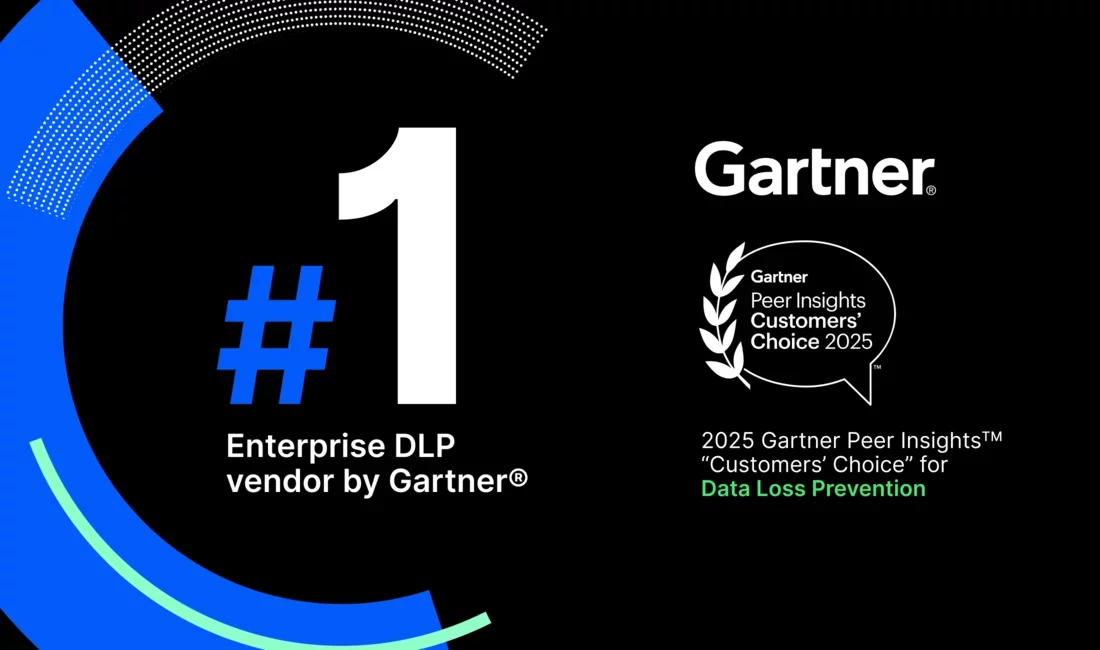
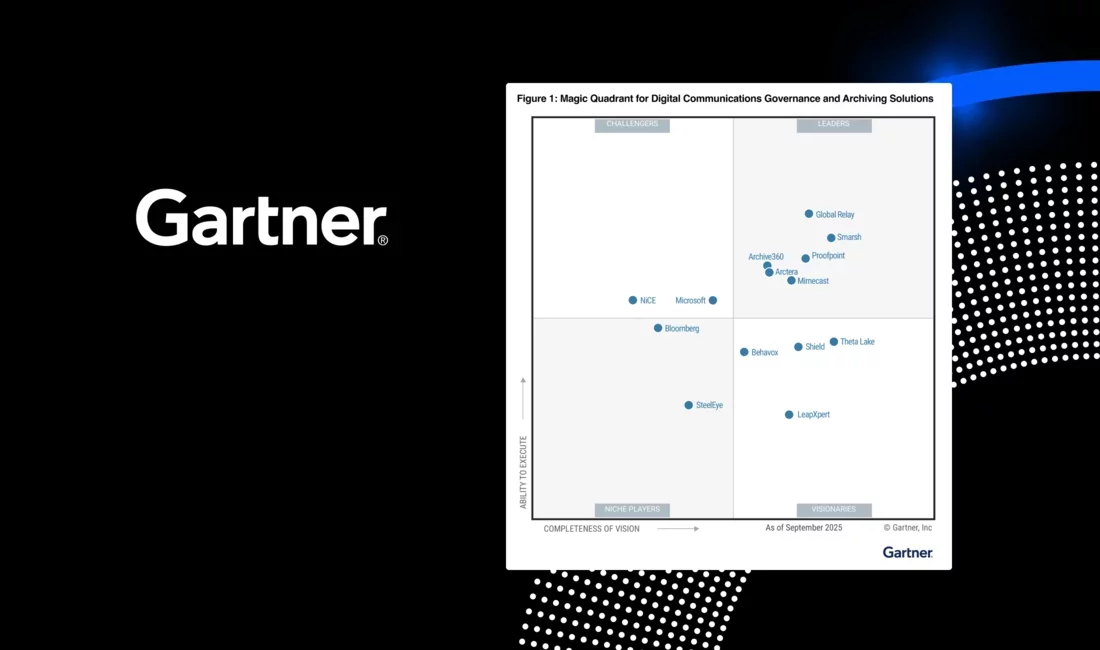
We’re recognized as an industry leader by our peers and customers alike
-
Collaboration Security
-
Data Security and Governance
-
Digital Communications Governance




Wyndham blocks 99.99% of threats, significantly reducing BEC risks while employees reporting increased phishing awareness with Proofpoint ZenGuideTM.